If you’ve Lost Your Phone Do This Now: IMEI, SIM & Security Checklist
Okay so someone boosted your phone. It happens. No worries. Your rescue team is here to air lift you with a 12-point damage-control, a double harness and parachute.
1. Block the handset through CEIR
For mobile subscribers in India, use the Government’s CEIR / Sanchar Saathi service to block the lost or stolen handset using its IMEI.
CEIR: Block a Lost/Stolen Mobile
You’ll need your IMEI (International Mobile Equipment Identity), police report and identity verification for the online process. If your lost phone is the one you need for the OTP – Sorry. That’s a bit of a catch 22. Anyway, CEIR says that once successfully blocked, the device cannot be used on any mobile network across India — even if someone puts another SIM in it.
Important: this blocks the handset, not your SIM. That’s why the next step matters.
2. Call your mobile network operator
Tell your telecom operator the phone has been lost/stolen and ask them to block the SIM and issue a replacement.
The IMEI block prevents the handset from accessing Indian mobile networks; the SIM block prevents someone from using your number.
Two different problems. Two different locks.
3. Get a replacement SIM
Get a new SIM for the same number so you can regain access to accounts tied to that number.
Small catch: CEIR notes that SMS on a reissued SIM is enabled after 24 hours under current TRAI rules.
4. Lock your Android or iPhone remotely
Android: use Google’s Find Hub to locate, mark the device as lost, play a sound or erase it remotely. Don’t erase immediately if you’re still trying to locate the phone — on Android, once the device is erased, its location is no longer available through Find Hub.
iPhone: go to iCloud.com/find, select the device and choose Mark as Lost. Apple specifically notes that you don’t need a verification code to sign in there — sensible when the trusted device you normally use for verification is the one currently missing.
5. File a police complaint
Visit the nearest police station and report the loss/theft.
Keep the complaint/FIR/LR safely — you’ll need the police report as part of the CEIR blocking process, and it can also help with recovery, insurance or other claims.
Note that blocking the IMEI does not prevent police from tracking a lost/stolen phone.
If the phone is eventually recovered, the IMEI can be unblocked through CEIR after reporting the recovery.
6. Lock down payment and banking apps
If your phone is lost, don’t assume your banking and payment apps are automatically safe.
Contact your bank/payment provider and ask about temporarily suspending mobile banking, wallets, cards or other services where appropriate.
And yes, having a strong device lock and app-level biometric/PIN protection makes a huge difference here.
7. Kick the phone out of your social accounts
Log into the web versions of WhatsApp, Instagram, Facebook, LinkedIn and other important accounts.
Review active sessions/devices and log out the missing phone wherever possible.
Then change passwords for your most sensitive accounts.
The thief doesn’t need your identity if you’ve already left the front door open.
8. Change passwords saved on the phone
If you’ve stored usernames, passwords, recovery codes or other credentials in Notes, documents or other apps on the phone, change them.
Prioritise email, banking, social media, cloud storage and anything that can be used to reset another account.
9. Freeze cards linked to shopping accounts
If credit/debit cards are saved in ecommerce accounts and you think your device lock could potentially be guessed or bypassed, get the card iced for lost or, better still, temporarily disable online transactions.
You can restore them once you’ve secured your accounts and replacement SIM.
Also, don’t assume every online transaction will always trigger an OTP. Authentication depends on the merchant, transaction and jurisdiction.
10. Check mobile wallets and NFC payments
If you’ve provisioned cards into Apple Pay, Google Wallet or another mobile wallet, check the wallet/bank controls for the missing device and suspend/remove payment credentials where appropriate.
Especially relevant outside India, where NFC contactless payment is far more common at checkout.
11. Deal with your authenticator apps
If your phone contains Google Authenticator, RSA SecurID or another authenticator, don’t leave it sitting in the “I’ll deal with this later” pile.
Use your account’s alternate recovery method to secure the account, remove/revoke the lost device where supported, and set up authentication on your replacement phone.
For enterprise authenticators such as RSA SecurID, follow the organisation’s device-revocation/replacement protocols.
12. Audit other Fancy Apps
Think beyond banking. Does your phone unlock your car? Deactivate it.
Crypto wallet? Trading app? Gaming account with digital currency? CCTV for your toddler? Secure those too.
Then watch your bank accounts, email, social media, cloud services and other sensitive accounts for anything unusual.
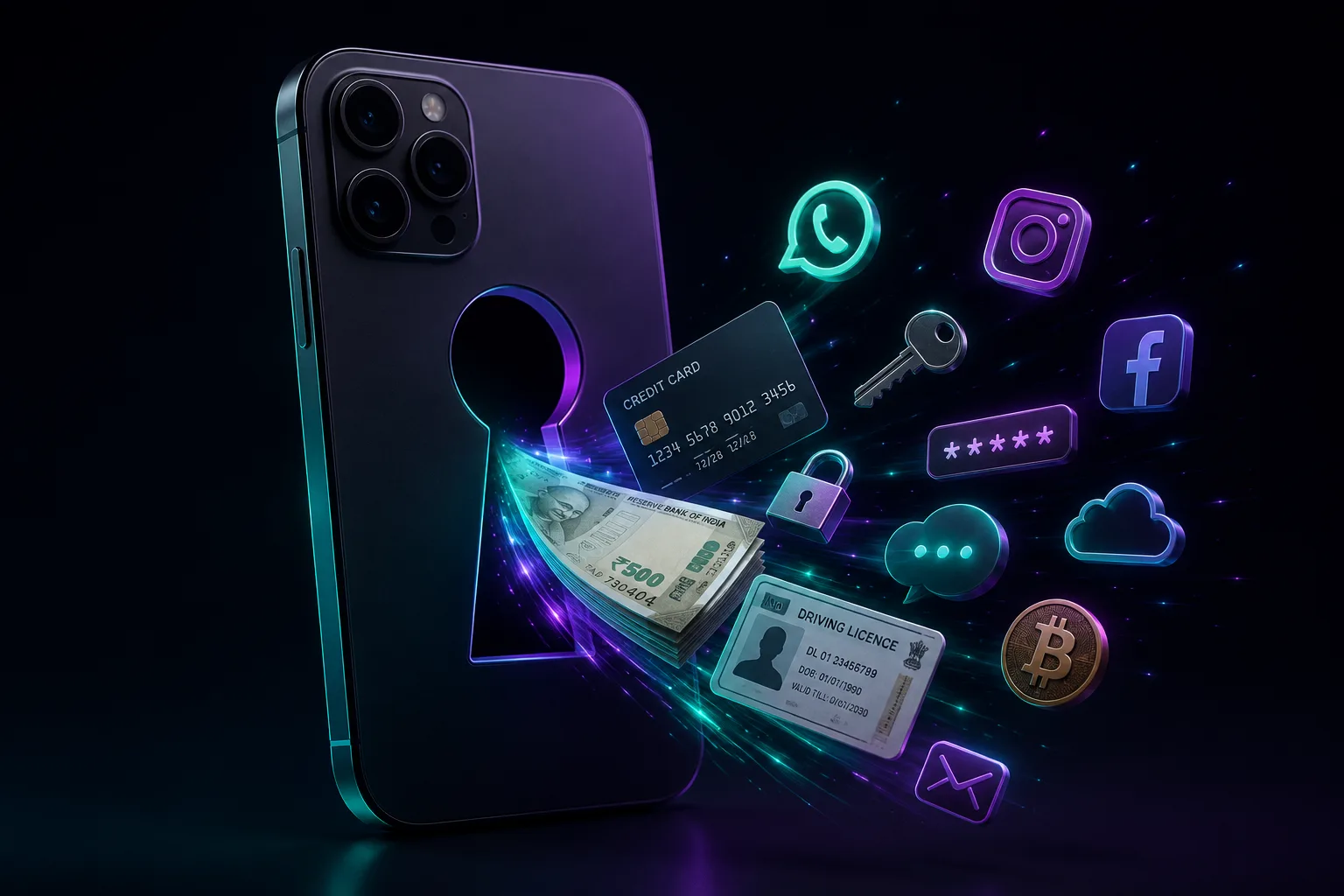
A lost phone is a gateway to your life.
Lost your phone? Things to do yesterday section.
Don’t wait until your phone disappears. Here are several things you can do to reduce that blast radius, should you ever lose your phone. Future You will send you long stem roses with a thank-you note.
1. Find your IMEI number
IMEI is the unique identifier for your mobile device. Think of it as your phone’s fingerprint.
You’ll usually find it on the original box or invoice. You can also find it under Settings → About / About Device, or dial *#06# on the phone.
Do this now: save the IMEI somewhere safe or share it with someone you trust.
2. Turn on Find Hub / Find My
For Android, Google’s Find Hub lets you locate, lock, or erase a lost device remotely. For iPhone, Find My lets you locate and put the device into Lost Mode.
This is one of those settings you don’t appreciate until your phone decides to go home with someone else after the party.
3. Don’t turn your phone into a mini nuclear arsenal for the data thief
Passwords, usernames, credit card shots, Aadhaar and identity documents do not belong in Notes, your gallery or some random album called “Important Stuff.” That special folder is a ticking data bomb.
4. Use a strong screen lock and App level locks
Use a strong PIN/passcode and biometrics where available. And for sensitive apps add biometrics to lock them from misuse.
And please, no 1234, birthday, license plate number, anniversary or the last four digits of your phone number.
If your PIN can be guessed by someone who has met you once, we have bigger problems.
5. Hide OTPs from the lock screen
Make sure your screen lock is configured so sensitive notifications and OTPs aren’t casually displayed before authentication.
Because stealing the phone is one thing. Getting the OTP handed to you on the lock screen is basically the bonus round.
6. Back up your important stuff
Back up contacts, photos and other important data to Google services/Google Drive or iCloud, depending on your device.
That way, if the phone doesn’t come home, your data still does.
So, before you scroll away…
Save your IMEI. Turn on Find My/ Find Hub. Back up your data. Use a proper screen lock. Five boring minutes today can save you some very high cortisol adventure sports tomorrow.
Related Guides
- Protect Your Devices Like a Pro – Secure Your Phone
- 20 Privacy & Security Settings for your iPhone
- 7 Dangerous Phone Privacy Settings You Should Turn Off
Also Read it on the420.in here